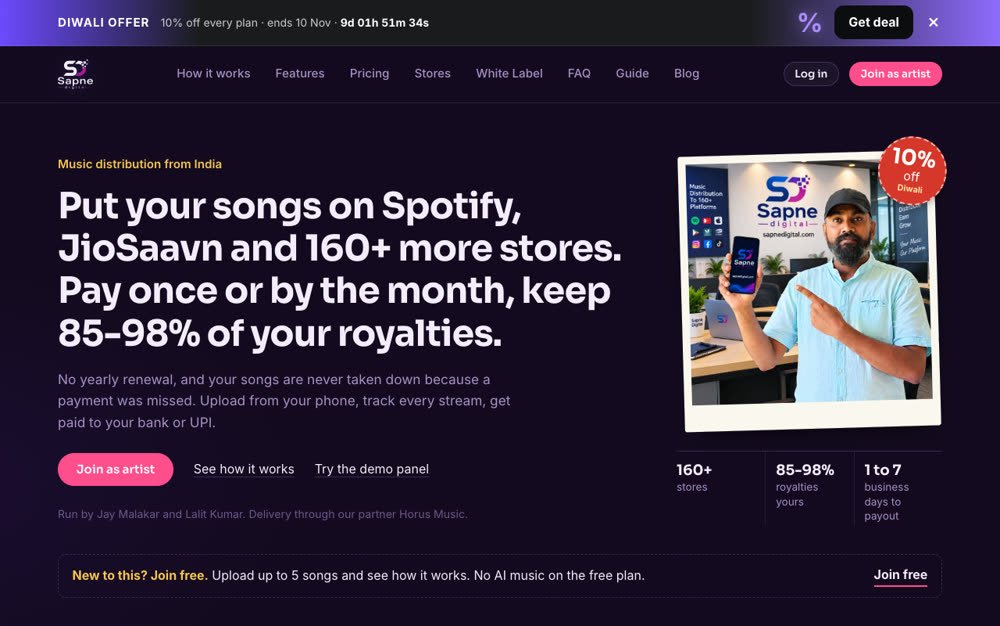
If you are new to music distribution, paying before you know how it works feels like a risk. The SapneDigital free plan is for that moment: make an account, upload up to 5 songs, and see your music go to the stores without paying anything first.
What you get on the free plan
- Up to 5 songs delivered to the stores in your plan (Spotify, JioSaavn, Apple Music, YouTube Music and more)
- Free ISRC and UPC codes for every release
- You keep 80% of your royalties (the paid plans keep 85% to 98%)
- Royalty reports in your dashboard, with our commission and any tax shown on every line
- Payouts to your bank or UPI once your KYC is done
- Email support
What is not included
- AI music. AI-assisted and AI-generated songs are not allowed on the free plan. You can read the rules in our content policy.
- More than 5 songs. After the fifth song, new uploads wait until you pick a paid plan.
- Faster release dates. On the free plan you choose a release date at least 4 days ahead. Higher plans and Fast-Track allow earlier dates.
How to start, step by step
1. Join free
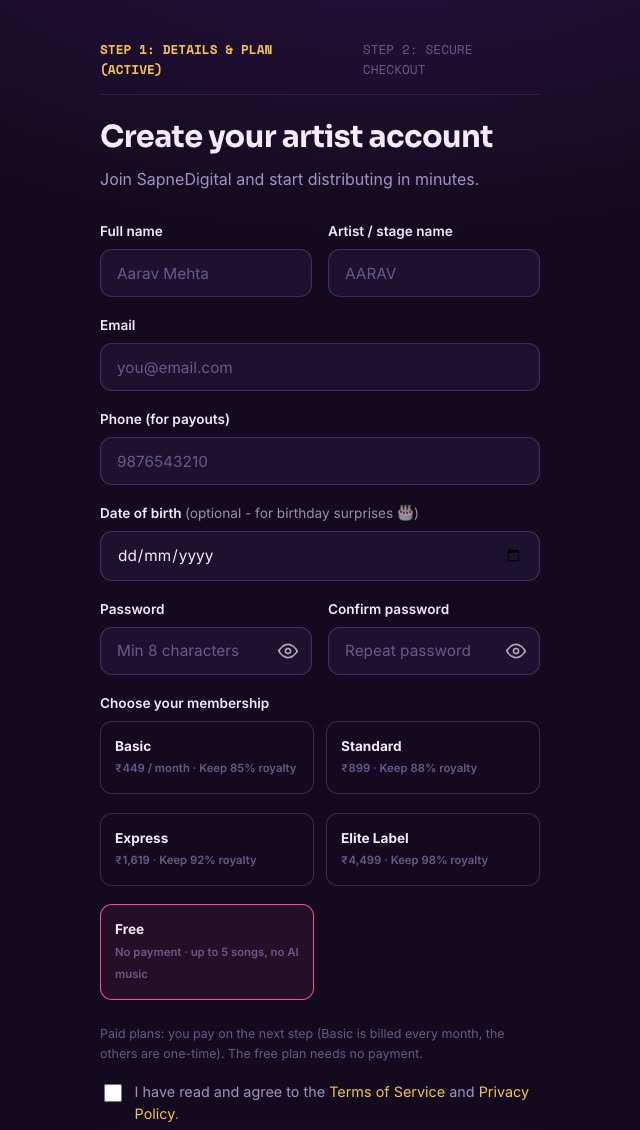
Press Join free on the home page, or open the signup page. The free plan comes already selected, so you only fill in your name, stage name, email, phone and a password.
2. Upload your song
Add the audio, the cover art and the release details from your dashboard. Use only music you made, or beats and samples you hold a licence for. Keep the same name and spelling you want on the stores.
3. We check and deliver it
Every release is checked before it is sent. When it is approved it goes to the stores, and each store decides when it goes live. You can follow the status of every song in My music.
4. Earn and withdraw
Stores report streams on their own schedule, often a month or two behind. Your balance and each royalty entry show up in your dashboard. To withdraw, complete your KYC and request a payout once your balance reaches the minimum.
What happens after 5 songs
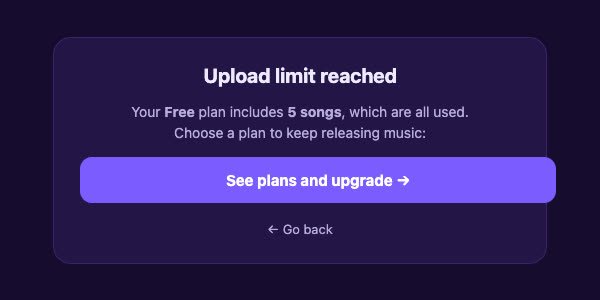
Your 5 songs stay live on the stores. When you try to upload a sixth, the page tells you the free limit is used and shows one button to see the plans.
When you upgrade, your songs, codes and links stay the same. You simply get room for more releases and the extra benefits of the plan you choose. Standard, Express and Elite Label are a one-time fee. Basic is paid every month, and if a month is missed your songs stay live while uploads and withdrawals wait for the renewal.

Who the free plan is for
- Artists releasing their first songs who want to see the whole process before paying
- People who want to test one or two songs and check the dashboard, links and royalty reports
- Artists who plan to start small and move to a paid plan when they have more music
Before you upload
- Do not upload unlicensed remixes, slowed or reverb versions, covers or sounds taken from social media.
- Do not use AI to copy a real singer's voice.
- Check your title, artist name and spelling before you send the song. See common metadata mistakes.
Ready to try? Join free and upload your first song today.
Frequently asked questions
Is the SapneDigital free plan really free?
Yes. You create an account without paying anything and can upload up to 5 songs. There is no card or UPI step. On the free plan you keep 80% of your royalties.
Can I release AI-made songs on the free plan?
No. AI-assisted and AI-generated music needs a higher plan. On the free plan every song must be made without AI.
What happens after I upload 5 songs?
Your 5 songs stay live. New uploads pause and the upload page shows an upgrade button. You can pick a paid plan at any time and continue.
Do I need KYC on the free plan?
You can upload without it, but you need to complete KYC before you can withdraw royalties to your bank or UPI.
Will I lose my songs if I upgrade?
No. Your songs, ISRC and UPC codes and links stay exactly as they are when you move to a paid plan.